
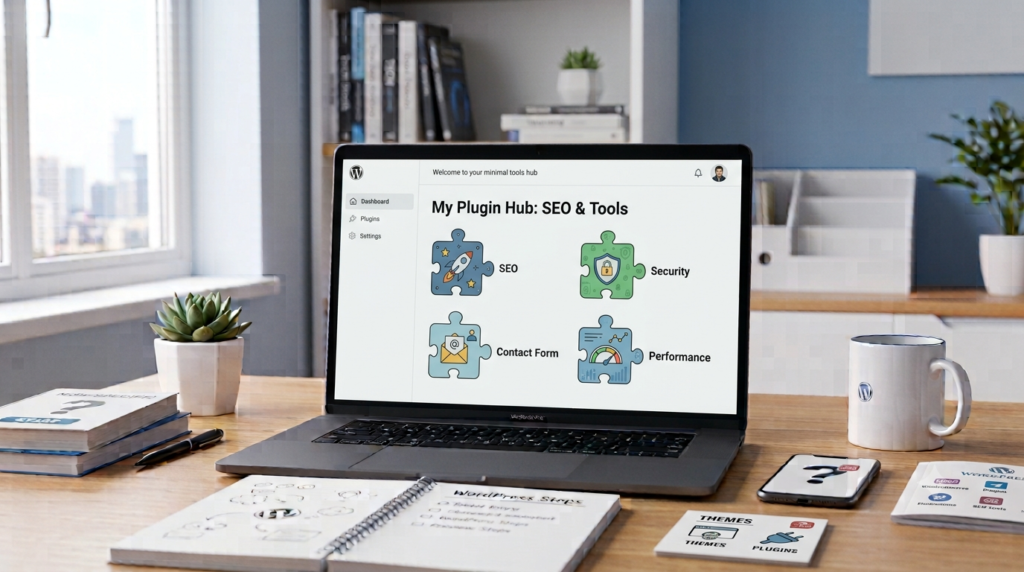
What is a WordPress Plugin? Beginners కోసం సులభమైన Guide
WordPress website తయారు చేస్తున్నప్పుడు design మాత్రమే కాకుండా, మన website కొన్ని ప్రత్యేకమైన పనులు కూడా చేయాలి.
ఉదాహరణకు, websiteలో contact form, SEO tools, security features, image optimization లేదా social sharing options కావచ్చు.
ఇలాంటి additional features ని websiteకి సులభంగా జోడించడానికి WordPress Plugins ఉపయోగిస్తారు.
సింపుల్గా చెప్పాలంటే, Plugin అనేది WordPress websiteకి కొత్త features మరియు functions జోడించే tool.
WordPress Plugin అంటే ఏమిటి?
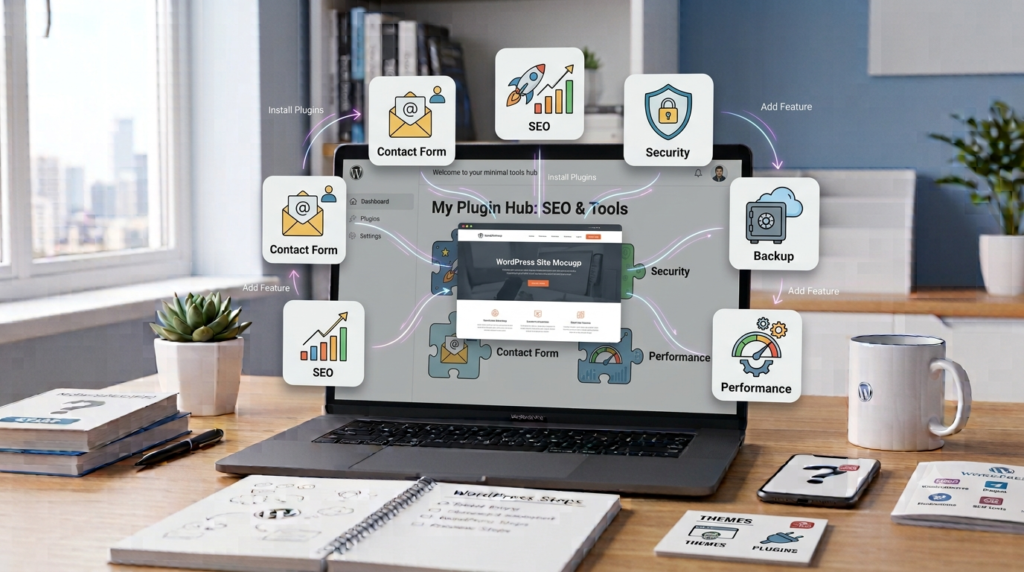
WordPress Plugin అనేది WordPress website యొక్క functionality ని పెంచడానికి ఉపయోగించే software.
WordPressలో మనకు అవసరమైన ప్రతి feature ని coding ద్వారా మొదటి నుంచి తయారు చేయాల్సిన అవసరం లేదు.
దానికి బదులుగా, అవసరమైన పని కోసం ఒక suitable Plugin install చేసి activate చేయవచ్చు.
ఉదాహరణకు, websiteలో contact form కావాలంటే contact form Plugin ఉపయోగించవచ్చు. SEOకి సంబంధించిన features కావాలంటే SEO Plugin ఉపయోగించవచ్చు.
అందువల్ల Plugins WordPress websiteని మన అవసరాలకు అనుగుణంగా మార్చుకోవడంలో సహాయపడతాయి.
Plugin ఎందుకు అవసరం?
ఒక basic WordPress websiteలో కొన్ని features ముందుగానే ఉంటాయి. కానీ ప్రతి websiteకి ఒకే రకమైన requirements ఉండవు.
ఒక blogకి SEO tools అవసరం కావచ్చు.
ఒక business websiteకి contact form అవసరం కావచ్చు.
ఒక online storeకి shopping మరియు payment features అవసరం కావచ్చు.
ప్రతి అవసరానికి వేర్వేరు Plugins ఉపయోగించుకోవచ్చు.
అంటే, Plugin websiteకి అదనపు functionality అందిస్తుంది.
Plugin ఎలా పనిచేస్తుంది?
ముందుగా మనకు అవసరమైన Pluginని select చేయాలి.
తర్వాత WordPress dashboard నుంచి Pluginని install చేసి activate చేయవచ్చు.
Plugin activate అయిన తర్వాత అది అందించే features websiteలో అందుబాటులోకి వస్తాయి.
కొన్ని Pluginsకి activate చేసిన తర్వాత additional settings configure చేయాల్సి ఉంటుంది.
అందుకే Plugin install చేయడం మాత్రమే కాకుండా, దాని settingsని సరిగ్గా configure చేయడం కూడా ముఖ్యమే.
Plugin మరియు Theme మధ్య తేడా
Beginners ఎక్కువగా confuse అయ్యే విషయాలలో Theme మరియు Plugin కూడా ఒకటి.
వీటి పని వేరు.
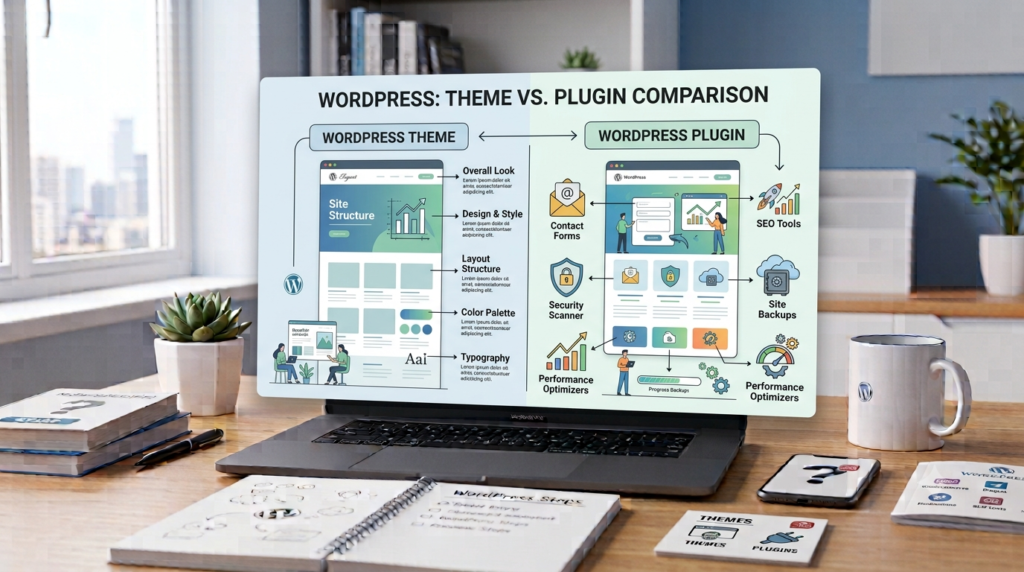
Theme → Website ఎలా కనిపించాలి అనేది ప్రధానంగా control చేస్తుంది.
Plugin → Website ఏమి చేయాలి అనే functionalityని పెంచుతుంది.
ఉదాహరణకు, Theme ద్వారా website layout, colors మరియు fonts వంటి design elements మారవచ్చు.
Plugin ద్వారా contact form, SEO features, security tools లేదా other functions add చేయవచ్చు.
ఈ difference గుర్తుపెట్టుకుంటే WordPress basics అర్థం చేసుకోవడం చాలా సులభం.
WordPress Pluginsకి కొన్ని ఉదాహరణలు
Website అవసరాన్ని బట్టి అనేక రకాల Plugins ఉపయోగించవచ్చు.
Contact Form Plugins
Visitors website ownerకి message పంపడానికి contact form ఉపయోగపడుతుంది.
SEO Plugins
Website content మరియు SEO settings manage చేయడానికి కొన్ని Plugins సహాయపడతాయి.
Security Plugins
Websiteని కొన్ని common security threats నుంచి protect చేయడానికి security Plugins ఉపయోగించవచ్చు.
Backup Plugins
Website dataకి backup తీసుకోవడానికి backup Plugins ఉపయోగపడవచ్చు.
Performance Plugins
Website loading speed మరియు performance improve చేయడానికి కొన్ని Plugins ఉపయోగపడతాయి.
E-commerce Plugins
Online store create చేయడానికి products, cart మరియు checkout వంటి features అందించే Plugins ఉన్నాయి.
Free Plugin అంటే ఏమిటి?
WordPressలో కొన్ని Plugins ఉచితంగా అందుబాటులో ఉంటాయి.
Website ప్రారంభిస్తున్న beginnersకి Free Plugins useful option కావచ్చు.
అయితే Plugin freeగా ఉందని మాత్రమే చూసి install చేయకూడదు.
దాని reviews, active installations, update history మరియు compatibility వంటి విషయాలను కూడా check చేయడం మంచిది.
Paid Plugin అంటే ఏమిటి?
కొన్ని Plugins premium features కోసం payment కోరుతాయి.
వాటిని Paid Plugins లేదా Premium Plugins అని పిలుస్తారు.
Paid Pluginలో additional features, advanced settings లేదా dedicated support వంటి options ఉండవచ్చు.
అయితే ప్రతి websiteకి Paid Plugin అవసరం ఉండదు.
మనకు నిజంగా అవసరమైన feature ఉన్నప్పుడు మాత్రమే premium Plugin తీసుకోవడం మంచిది.
ఎన్ని Plugins install చేయాలి?
WordPress websiteకి ఎక్కువ Plugins install చేస్తే website తప్పనిసరిగా better అవుతుందని అనుకోవడం సరైనది కాదు.
మనకు అవసరమైన featuresకి మాత్రమే Plugins ఉపయోగించడం మంచిది.
చాలా unnecessary Plugins వల్ల website management క్లిష్టంగా మారవచ్చు. కొన్ని సందర్భాల్లో performance లేదా compatibility problems కూడా రావచ్చు.
అందుకే quality over quantity అనే principle follow చేయడం మంచిది.
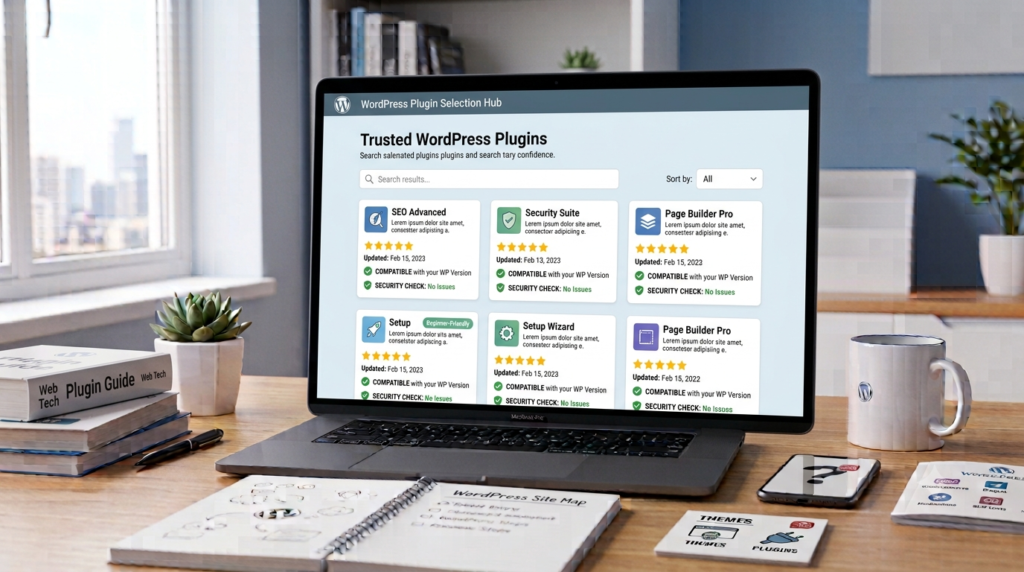
Plugin ఎంచుకునేటప్పుడు ఏమి చూడాలి?
ఒక Plugin install చేసే ముందు కొన్ని విషయాలు check చేయాలి.
- Plugin trusted source నుంచి వచ్చిందా?
- Regular updates వస్తున్నాయా?
- Reviews ఎలా ఉన్నాయి?
- WordPress versionతో compatibleగా ఉందా?
- Developer support అందిస్తున్నారా?
- మనకు నిజంగా ఆ feature అవసరమా?
ఈ basic checks చేయడం వల్ల unnecessary Plugins install చేయకుండా ఉండవచ్చు.
Plugin Update చేయడం ఎందుకు ముఖ్యం?
Pluginsకి developers updates విడుదల చేస్తుంటారు.
Updatesలో bug fixes, compatibility improvements, new features మరియు security improvements ఉండవచ్చు.
అందుకే Pluginsని చాలా కాలం update చేయకుండా ఉంచడం మంచిది కాదు.
అయితే major updates చేసే ముందు website backup తీసుకోవడం ఒక మంచి practice.
Plugin వల్ల Website Slow అవుతుందా?
Plugin ఉండటం వల్లనే website slow అవుతుందని చెప్పలేం.
Plugin quality, functionality మరియు website configuration వంటి అనేక factors performanceపై ప్రభావం చూపుతాయి.
అవసరం లేని Plugins తొలగించడం, trusted Plugins ఉపయోగించడం మరియు website performanceని check చేయడం మంచి practice.
Plugin Install చేయడానికి ముందు గుర్తుంచుకోవాల్సిన విషయం
ప్రతి Plugin అవసరం లేదు.
ఒక Pluginకి similar function అందించే మరో Plugin ఇప్పటికే websiteలో ఉంటే రెండింటినీ ఉపయోగించడం unnecessary కావచ్చు.
అందుకే ముందుగా “ఈ Plugin నాకు నిజంగా అవసరమా?” అని ఆలోచించాలి.
అవసరమైనప్పుడు మాత్రమే install చేసి, అవసరం లేని Pluginsని remove చేయడం website managementకి మంచిది.
Beginners చేసే Common Mistakes
WordPress నేర్చుకునే సమయంలో beginners కొన్ని common mistakes చేస్తారు.
ప్రతి చిన్న feature కోసం ఒక Plugin install చేయడం ఒక mistake.
Unknown sources నుంచి Plugins download చేయడం కూడా risky కావచ్చు.
Plugin updatesని ignore చేయడం మరో common mistake.
ఒకే పని చేసే multiple Pluginsని ఒకేసారి ఉపయోగించడం కూడా సమస్యలకు దారితీయవచ్చు.
అందుకే trusted Pluginsని అవసరమైనంత మాత్రమే ఉపయోగించడం మంచిది.
Plugin వల్ల Websiteకి ఏం ఉపయోగం?
Plugins WordPressని flexible platformగా మార్చడంలో ముఖ్యమైన పాత్ర పోషిస్తాయి.
మన websiteకి అవసరమైన functionalityని coding knowledge ఎక్కువగా లేకపోయినా add చేసుకునే అవకాశం Plugins ఇస్తాయి.
అందువల్ల beginners నుంచి experienced website developers వరకు WordPressలో Pluginsని విస్తృతంగా ఉపయోగిస్తారు.
Final Thoughts
WordPress Plugin అనేది websiteకి కొత్త features మరియు functionalityని జోడించే tool.
Theme ప్రధానంగా website యొక్క appearance మరియు designతో సంబంధం కలిగి ఉంటే, Plugin website యొక్క functionalityని expand చేయడంలో సహాయపడుతుంది.
అయితే Pluginsని ఎక్కువగా install చేయడం కంటే మన websiteకి అవసరమైన, trusted మరియు regularly updated Plugins ఎంచుకోవడం మంచిది.
WordPress basics నేర్చుకుంటున్న beginnersకి Theme మరియు Plugin మధ్య difference అర్థం చేసుకోవడం చాలా important.
ఈ difference clearగా ఉంటే WordPress websiteని manage చేయడం మరింత సులభంగా మారుతుంది.